Tonrum Gitarrstudio
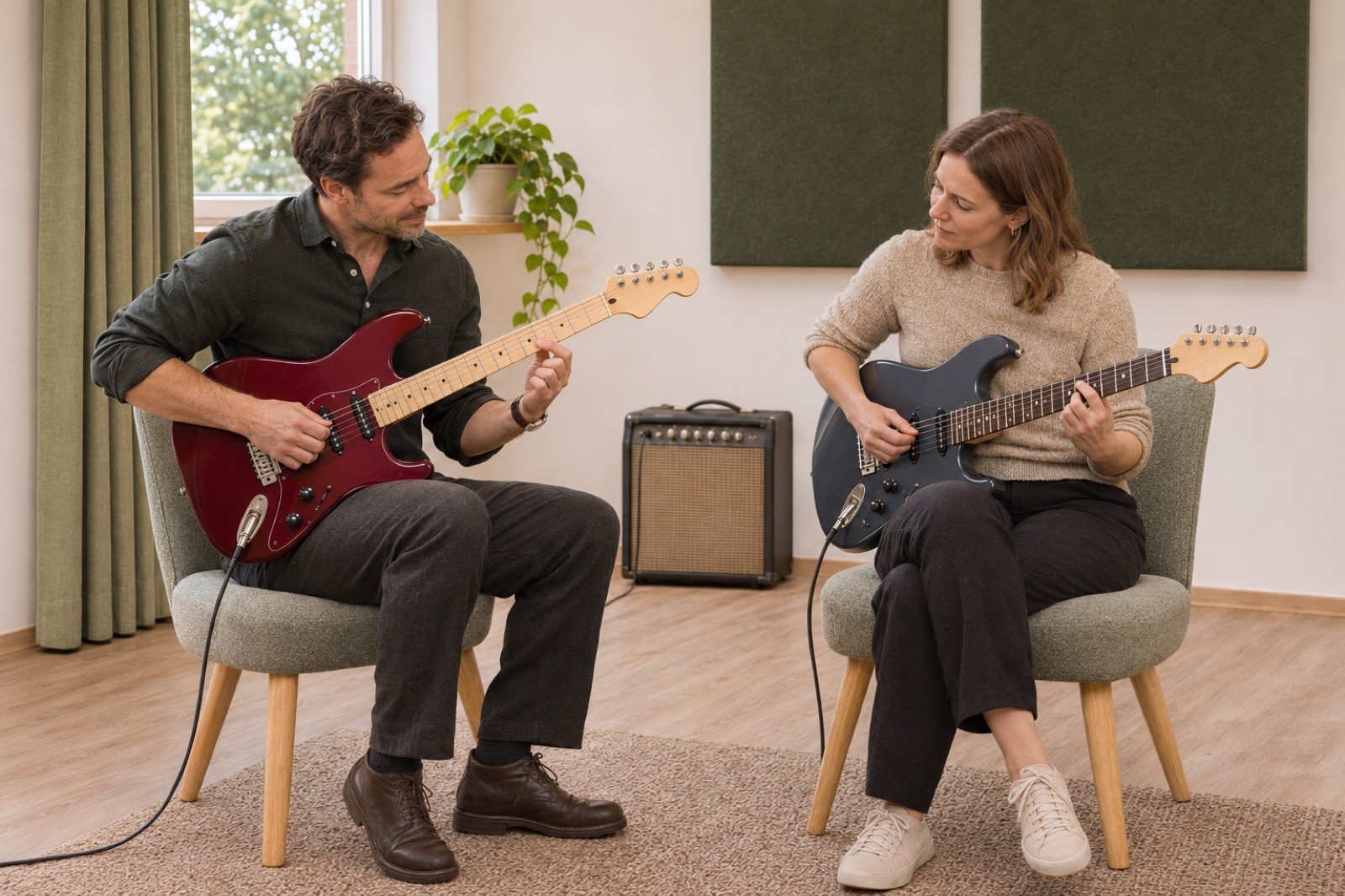
Find your voice on electric guitar.
Illustrative demo with AI-generated material and sample data.
1. Your presentation
Show what you offer and give customers a feel for your business.
Show what you offer, let customers find a time and keep bookings in one place. Bookingbird connects your business page with lessons, courses and simulator bookings.
Try free for 7 days. No card required.Introduce your people, your space and what you offer with your own words and images. Customers move from the description to booking. Share the link from your existing website or use your business page in Bookingbird.
Illustrative demo with AI-generated material and sample data.
Illustrative demo with AI-generated material and sample data.
Show what you offer and give customers a feel for your business.
Choose a time to try the example. No booking is made.
Let customers find a time that works.
Upcoming bookings and terms on the customer’s own page.
Keep confirmations, changes and history together.
Illustrative booking journey with sample data. No bookings or payments are made in this example.
Present the content, sessions and practical details. The booker can register several attendees without attending. Registration covers the course’s full included programme.
One registration for all included course sessions.
See how a golf academy, simulator venue and guitar studio can present their offerings.


Appointments, packages, courses, resources and customer communication. Explore the features and find what fits your business.
Explore all featuresChoose a time to try the example. No booking is made.
Let an academy and simulator venue plan around the same physical bay. Approved partnerships bring times, capacity and settlement together.
Explore partnershipsFollow payment status, receipts and refunds in the supported payment flow. Individual lessons can also be paid on site. Features follow the account’s terms and payment readiness.
Explore paymentsPayment status, receipts and refunds stay with the booking.
Record received amounts and track balances for individual lessons.
Every plan starts with 7 days free. No card required.
Loading current prices…
Bookingbird’s course transaction fee applies once per group registration. The prices above show academy plans. Simulator-centre features and terms are shown when you configure your business.
Current academy plans from Bookingbird’s plan catalogue. Simulator venue terms are shown separately in the account setup.
The comparison is shown when the current plan catalogue is available.
Customer lesson packages, simulator benefits and Bookingbird subscriptions are distinct parts of the offering.
Add your business name and choose your setup.
Add staff or resources, availability and prices.
Review your business page and share the link when you are ready.
Yes. Link to your booking page from your existing website or use your business page in Bookingbird.
Choose a template, add your business details and follow the guide to prepare your offering. Review your business page before publishing.
Yes. Adapt your business page and save changes as a draft before activation.
A private group shares one lesson. A course registration covers the included sessions of the programme.