Tonrum Gitarrstudio
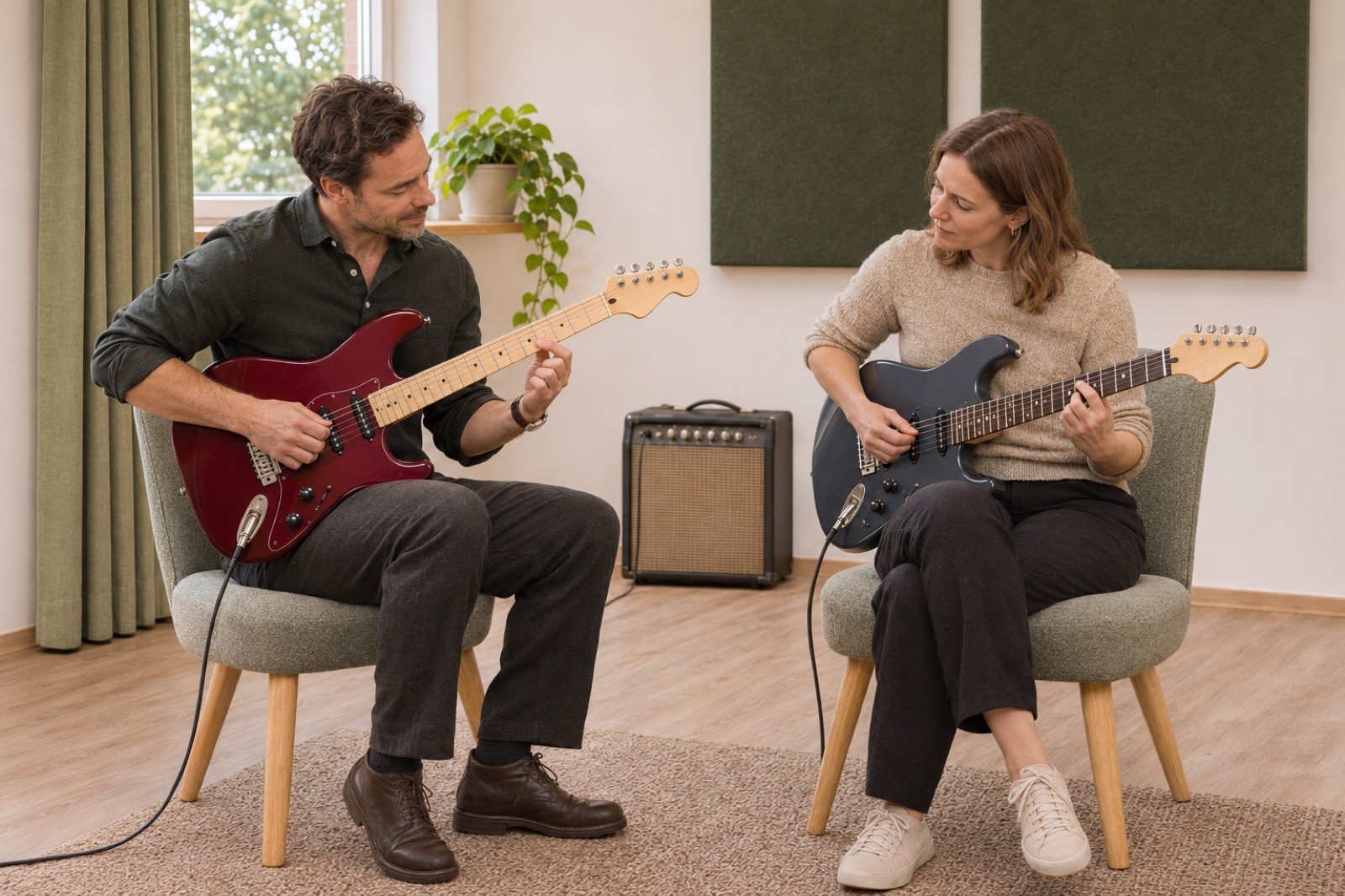
Find your voice on electric guitar.
Illustrative demo with AI-generated material and sample data.
1. Your presentation
Show what you offer and give customers a feel for your business.
Explain what you teach, show your studio and make available lesson times easy to find. Bookingbird brings your presentation and student bookings together in one place.
Try free for 7 days. No card required.Show who you are, who you teach and what a lesson is like. Use your own images, introduce the space and keep booking close to the description.
Set your availability and let students choose an available time. You and the student can return to the booking and review the terms for changes.
Choose a time to try the example. No booking is made.
Explain what the group will learn, show the schedule and bring registrations together. Make it clear which sessions are included.
One registration for all included course sessions.
See students, upcoming lessons and booking history in your workspace. Use the music template’s wording or adapt it to your teaching.
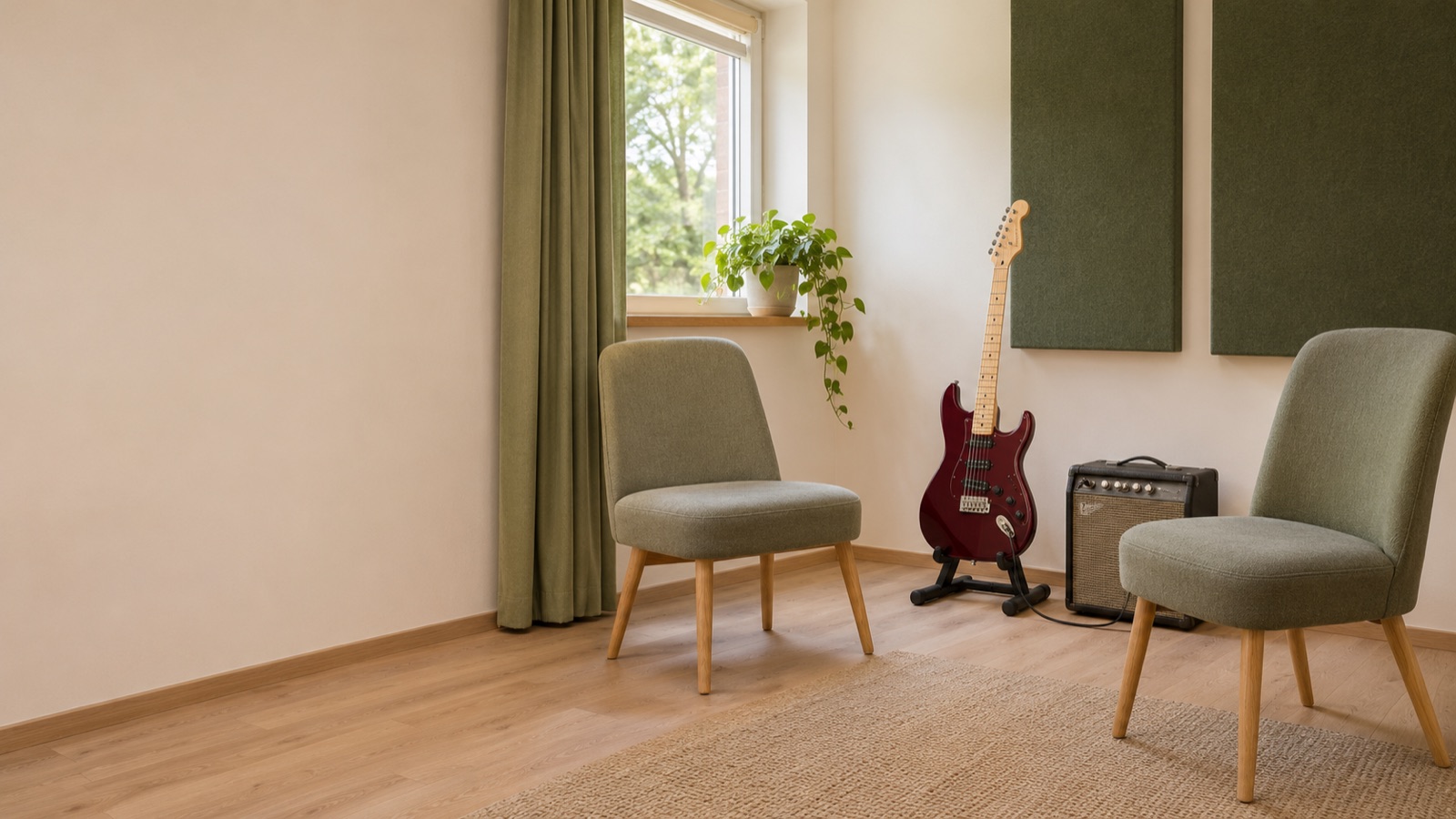
Illustrative demo with AI-generated material and sample data.
Show what you offer and give customers a feel for your business.
Choose a time to try the example. No booking is made.
Let customers find a time that works.
Upcoming bookings and terms on the customer’s own page.
Keep confirmations, changes and history together.
Illustrative booking journey with sample data. No bookings or payments are made in this example.
Tonrum Gitarrstudio is an illustrative demo with AI-generated material and sample data. Explore the teacher presentation and try choosing a sample time below.
Explore the featuresChoose a time to try the example. No booking is made.
Choose Music teaching and lesson booking. Add your teacher profile, teaching venue, availability and prices. Save content as a draft and review it before publishing.
Add your business name and choose your setup.
Add staff or resources, availability and prices.
Review your business page and share the link when you are ready.
Yes. Link to your booking page from your existing website or use your business page in Bookingbird.
Choose a template, add your business details and follow the guide to prepare your offering. Review your business page before publishing.
Yes. Adapt your business page and save changes as a draft before activation.
A private group shares one lesson. A course registration covers the included sessions of the programme.