Tonrum Gitarrstudio
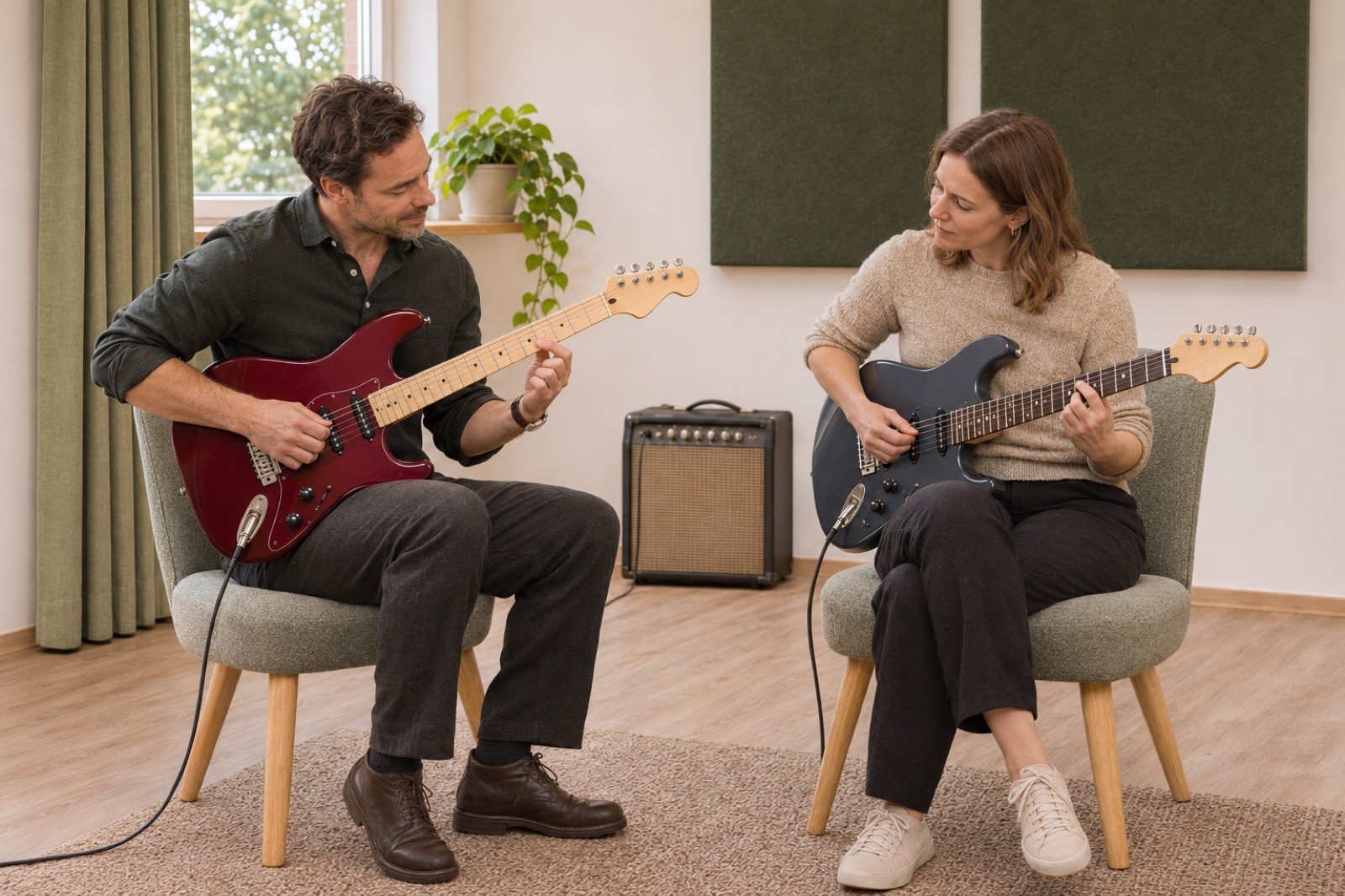
Find your voice on electric guitar.
Illustrative demo with AI-generated material and sample data.
1. Your presentation
Show what you offer and give customers a feel for your business.
Introduce your coaches, offer lessons and courses, and give golfers a place to return to. Bookingbird brings your academy’s bookings and your golfers’ training history together.
Try free for 7 days. No card required.
Show coach profiles, teaching venues and available times. Manage individual lessons and private group lessons in the same business.
Choose a time to try the example. No booking is made.
Present the content, dates and included sessions. The person booking can register several attendees without attending. Registration covers the full course programme.
One registration for all included course sessions.
Keep training plans and drills alongside the golfer’s bookings. Import Trackman sessions from CSV and follow progress over time.
Example customer account views.
With an approved academy/venue partnership, linked lesson times follow simulator availability. Both businesses plan around the same physical bay.
| Time | Sim 1 | Sim 2 | Sim 3 | Sim 4 |
|---|---|---|---|---|
| 09:00 | ||||
| 10:00 | ||||
| 11:00 | ||||
| 12:00 | ||||
| 13:00 | ||||
| 14:00 |
Interactive example — no booking is made.
Illustrative demo with AI-generated material and sample data.
Show what you offer and give customers a feel for your business.
Choose a time to try the example. No booking is made.
Let customers find a time that works.
Upcoming bookings and terms on the customer’s own page.
Keep confirmations, changes and history together.
Illustrative booking journey with sample data. No bookings or payments are made in this example.
Try the illustrative journey. No booking or payment is made and no real customer data is used.
Explore the featuresOpen the golf academy showcase demoChoose a time to try the example. No booking is made.
Choose Golf academy, add coaches and teaching venues, and set prices and availability. Review the academy’s page before publishing.
Add your business name and choose your setup.
Add staff or resources, availability and prices.
Review your business page and share the link when you are ready.
Yes. Start with yourself and add coaches as needed, within your plan’s limits.
Yes. Link to your booking page from your existing website or use your business page in Bookingbird.
Choose a template, add your business details and follow the guide to prepare your offering. Review your business page before publishing.
Yes. Adapt your business page and save changes as a draft before activation.
A private group shares one lesson. A course registration covers the included sessions of the programme.